
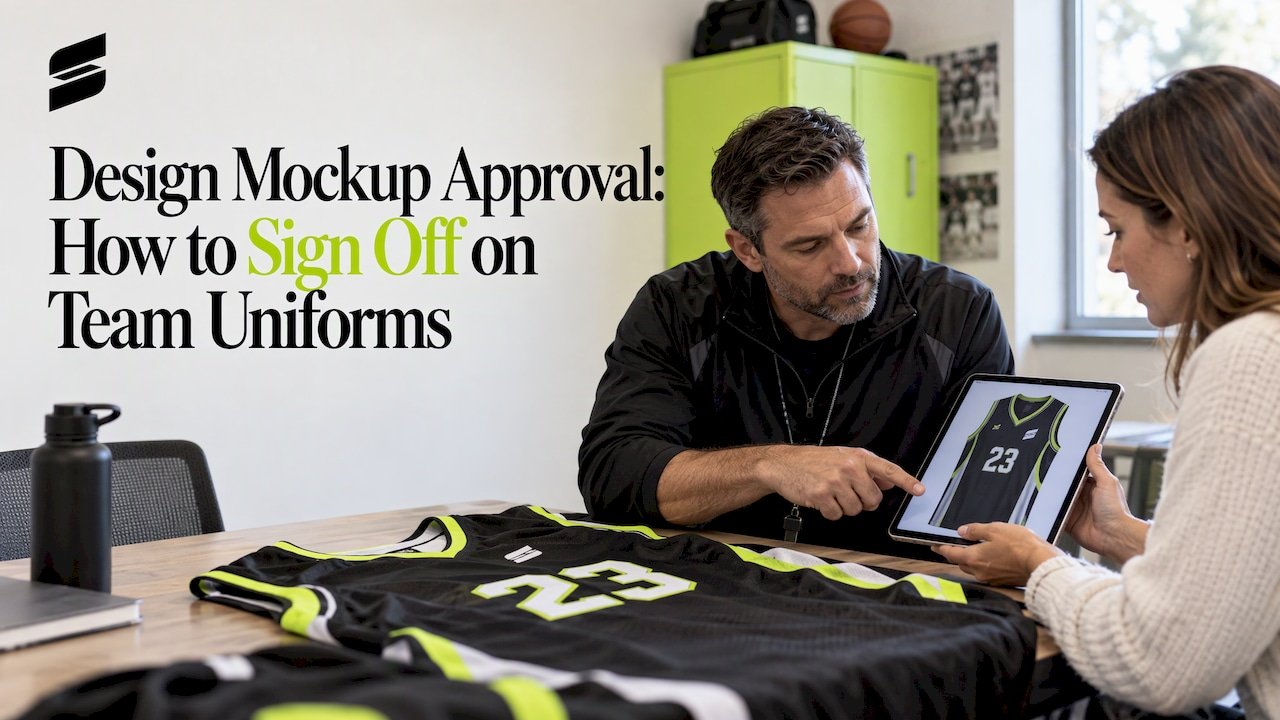
Design Mockup Approval: How to Sign Off on Team Uniforms
Design mockup approval is the moment your team agrees, in writing, that the uniform on screen is the uniform you want made. Once you approve, production follows what the mockup shows, so the review is the cheapest place to catch a misspelled name, a wrong number or a logo that sits too low. This guide walks coaches, parents and athletic directors through what a mockup should show, how to review it in about ten focused minutes, how to keep revisions organized, and what to confirm before you say yes.
TL;DR
- A mockup is a digital preview of your uniform design. It shows layout, colors, logo placement, names and numbers. It is not a fitted garment, so pair it with a sizing sample.
- Review in four passes: the whole design, the small details, the original order request, and one last question about anything you assumed.
- Send all feedback in one consolidated message, label every version, and name one person who gives final approval.
- Treat approval as final. Check spelling, numbers, sizes, quantities and colors against your roster before you sign off.
- With Capra Sports, you can request a free mockup, returned in 24 hours, and work with a designer on revisions until the design is right.
Table of Contents
- What a uniform mockup is, and what it should show
- Prepare before the mockup arrives
- How to review a mockup in four passes
- Colors, placement and what to expect on the garment
- Check sizing and fit before final approval
- Collect feedback and track versions
- Mistakes to catch before you approve
- What to confirm before you give final written approval
- Our perspective on mockup approval
- Start your free mockup with Capra Sports
- FAQ
What a uniform mockup is, and what it should show
A mockup is a digital image of your design placed on the garment. It lets you see how colors, panels, logos, names and numbers come together before anything is printed. Think of it as a blueprint you can read at a glance. Good mockups show the front and the back of each garment, because numbers, names and sponsor logos often live on the back.
Before you judge the design itself, make sure the mockup contains the basics:
- Front and back views of every garment in the set: jersey, shorts or pants, and any warmup pieces.
- The garment style, such as a pullover or button-down in baseball and softball.
- Every color in the design, with the main color areas clearly separated.
- Logo artwork, with its position and approximate size on the garment.
- Player names and numbers, placed where they will actually be printed.
- Sleeve, collar, side panel and trim details, if your style has them.
If something is missing, ask for it before you start reviewing. A mockup that skips the back view cannot be approved, because half of the uniform is untested.
Keep one limit in mind. A screen is not fabric. Colors on a monitor or phone shift with brightness settings and display type, and a printed garment reflects light differently. A mockup is excellent for judging layout, proportion and placement. For fit and feel, you need a sample in your hands, which is why our process includes one.
If you have not built your design yet, start with our step-by-step guide to designing a custom team uniform, then come back here once the first mockup arrives.
Prepare before the mockup arrives
A fast approval starts before the first image shows up. Most corrections happen because the designer worked from incomplete information, not because anyone made a careless mistake. Gather these items first:
- A final roster. Names spelled exactly as they should appear, with numbers and sizes. Ask parents to confirm spelling in writing.
- Logo files. The highest-quality version of your team, school or league logo. Blurry screenshots lead to blurry prints.
- Colors. Your school or club colors, and any colors you want to avoid. Our color matching checks help you settle this before ordering.
- Rules. Any league or school requirements for number size, contrasting colors or sponsor placement. Our guide to uniforms that meet kit rules covers the common ones.
- Quantities. How many complete sets you need. Capra Sports orders start at a 10-set team minimum.
- A decision maker. One person, such as the head coach or athletic director, who gives the final yes.
The last item matters more than it looks. When five parents and two assistant coaches each send separate notes, designers receive contradictory instructions and versions multiply. One owner of the decision keeps the process short.
How to review a mockup in four passes
Set aside ten uninterrupted minutes, and review on the biggest screen you have. A phone is fine for a first glance but poor for catching small errors. Work through four passes, in this order.
Pass 1: Zoom out
Look at the whole uniform as a spectator would from the stands. Ask yourself:
- Can you tell the team colors apart at a glance?
- Is the design balanced, or is one side heavier than the other?
- Do the jersey and shorts or pants look like they belong to the same team?
- Would the numbers read from across a field or court?
If the overall look is off, fix it now. Detail checks are wasted effort on a design you will change. Our guide on choosing team colors that look sharp on game day can help when the palette feels wrong.
Pass 2: Zoom in
Now enlarge the image and check the small things:
- Team name and player names: spelling, capitalization, apostrophes and hyphens.
- Numbers: correct digits, no duplicates, and the right number on the right player.
- Fine lines, thin outlines and small text: will they stay readable once printed at actual size?
- Logo edges: clean and complete, nothing cropped.
- Sponsor logos: correct artwork, correct position. If you have sponsors, our sponsor logo placement rules show what coaches usually need to confirm.
Read every name out loud against your roster, one line at a time. Your eyes skip over errors in familiar words, and a slow read-aloud catches transposed letters.
Pass 3: Compare to your original request
Open your first message or design request next to the mockup. Check each item you asked for: colors, logo position, name style, number size, garment type, sleeve length. Do not rely on memory. Designers make dozens of small decisions, and the mockup should match what you asked, not what you vaguely recall asking.
Then check the details a mockup often leaves open: the sizes on your roster, the quantity of each garment, and whether the set includes pieces such as warmups, hoodies or backpacks.
Pass 4: Ask one question
Finish by asking the designer one question that exposes hidden assumptions. Good examples:
- “Is there anything in this design that looks different once it is printed?”
- “Where exactly will the back number sit relative to the player name?”
- “Does this version include everything on my roster?”
A clear answer on the page protects both sides. If the answer surprises you, you have just saved yourself a remake.
Colors, placement and what to expect on the garment
Two things cause most disappointment after delivery: color expectations and placement expectations.
Color. The color you see depends on your screen. Brightness, night mode and screen type all change how a navy or a red looks. If a specific shade is essential, such as an exact school color, say so clearly in your request and confirm it with the designer in writing before approving. Do not approve a color you doubt just to keep the schedule moving. Printing method also matters for how color and detail come across, and a comparison of screen printing and DTG explains why the same artwork can look slightly different depending on how it is applied.
Placement. A mockup shows position and approximate size. Small variations from the image can happen in any custom production, so judge placement by proportion, not by the pixel. Ask yourself whether the logo is centered where it should be, whether the number is large enough for your league, and whether names sit clear of seams and collars.
If your sport has number-size or color-contrast rules, check them now. For baseball, our baseball jersey design ideas that pass NFHS rules walk through the typical checks for high school play.

Check sizing and fit before final approval
A mockup cannot tell you whether a jersey fits. Fit problems often show only when a player moves: sleeves that bind when a pitcher reaches back, shorts that ride up on a sprint, a hem that lifts when a player jumps for a rebound. Photos and flat drawings hide all of that.
That is why we send a sizing sample at no extra charge. Use it well:
- Have two or three players try the sample, ideally including your smallest and largest.
- Ask them to move the way they do in games: reach, squat, jump, twist.
- Compare the sample against the size chart, then adjust your roster sizes before placing the order.
- Record the sizes in your final roster, not in a text thread that gets lost.
For players with muscular builds or between sizes, measuring beats guessing. Our guide to athletic fit versus regular fit explains how to measure and choose.
Parents often ask whether they can approve the design and fix sizes later. The safer order is the reverse for sizes: confirm them with the sample first, then give final approval, so the roster you sign matches real bodies.
Collect feedback and track versions
Even a good first mockup usually needs a round or two of changes. How you handle those rounds decides whether approval takes a day or a month.
Send one consolidated list
Collect comments from your coaches and parents, then send a single message. Number each change so the designer can answer point by point:
- Change the back number on player 7 from 17 to 71.
- Move the chest logo up so it sits clear of the collar seam.
- Replace the sponsor logo with the new file attached.
Vague comments like “make it pop” cost rounds. Specific comments, such as naming the color or the position, close in one pass. Where you are unsure, ask the designer for options. Working directly with a designer is the advantage of a custom order, and at Capra Sports you can revise the design until it is right.
Label every version
Give each mockup a clear name and date, for example “Hawks Baseball v1, Nov 5” and “v2”. Save every version in one folder. When someone says “I liked the earlier one,” you can pull it up in seconds instead of arguing about what it looked like.
Keep a simple approval log
A short table in a shared document is enough:
| Version | Date | Changes requested | Who requested | Status |
|---|---|---|---|---|
| v1 | Nov 5 | First mockup received | Coach | Revisions needed |
| v2 | Nov 6 | Back numbers fixed, logo moved | Coach | Under review |
| v3 | Nov 7 | Sponsor logo swapped | Athletic director | Approved |
The log shows who decided what, and it settles any question after delivery.
Mistakes to catch before you approve
Approval is the point where responsibility shifts. Production follows the mockup you signed, so an error you approved is hard to treat as a production fault. These are the errors we see teams miss most often, and what to do about each:
- Misspelled names. Check each name against the roster, letter by letter.
- Wrong or duplicate numbers. Sort your roster by number and confirm none repeat.
- Missing back or side elements. Confirm the back view and any sleeve or leg details exist in the mockup.
- Outdated logo. Make sure the file is the current version, especially for schools and clubs that rebranded.
- Wrong garment style. Pullover versus button-down on baseball and softball changes the entire look.
- Quantity and size mismatches. Count sets against your roster, including spares.
- Contrast and legibility. A light number on a light jersey fails from the stands, and may fail league rules.
- Sponsor placement. Confirm the logo is where your league and sponsor expect.
A practical tip: have someone who has not been involved in the process review the mockup last. A fresh set of eyes finds the error that everyone else has stopped seeing.
What to confirm before you give final written approval
Before you reply with a yes, run this checklist against your order, not from memory:
- The team name, school or organization name is correct.
- The artwork and logo files are the ones you intend to use.
- Every garment in the set is listed, in the right style and color.
- Colors are confirmed, and any critical shade is discussed in writing.
- Names and numbers match your final roster exactly.
- Sizes and quantities match your sizing sample results and headcount.
- Your order meets the 10-set team minimum.
- The person with authority has agreed, and everyone else has been told.
Then give your approval in writing, in a message that names the version, for example: “Approved: Hawks Baseball v3, as shown.” Written approval on a named version leaves no doubt about what was agreed. If you find a problem after signing, tell your designer immediately, because the earlier the question is asked, the more options remain.
When you want to understand what happens next, our walkthrough of how custom uniforms are made from mockup to delivery explains each stage after approval.
Our perspective on mockup approval
We think the mockup is the most valuable ten minutes in a uniform order. Everything about how we work is built to make that review easy and to make it count.
First, the mockup is free and comes back in 24 hours, so a team can see its design before spending anything on production. Second, you work directly with a professional designer, and revisions are unlimited, so nobody should feel pressure to approve a design they are unsure about. Third, we send one sizing sample at no extra charge, because a screen image will never tell a coach how a jersey moves on a real player.
Our advice to every coach is simple: bring a final roster, appoint one decision maker, review the design in four passes, and approve a named version in writing. Teams that do that tend to have smooth orders, and the uniforms their players wear on game day match what they approved.
Agha
Start your free mockup with Capra Sports
If your team is ready to see its design, Capra Sports makes it easy to begin. Send us your colors, logo and roster details, and a designer will prepare a free mockup, returned in 24 hours. We make sublimated uniforms for basketball, baseball, softball, soccer, football, volleyball and cheer, plus warmups, hoodies and backpacks.
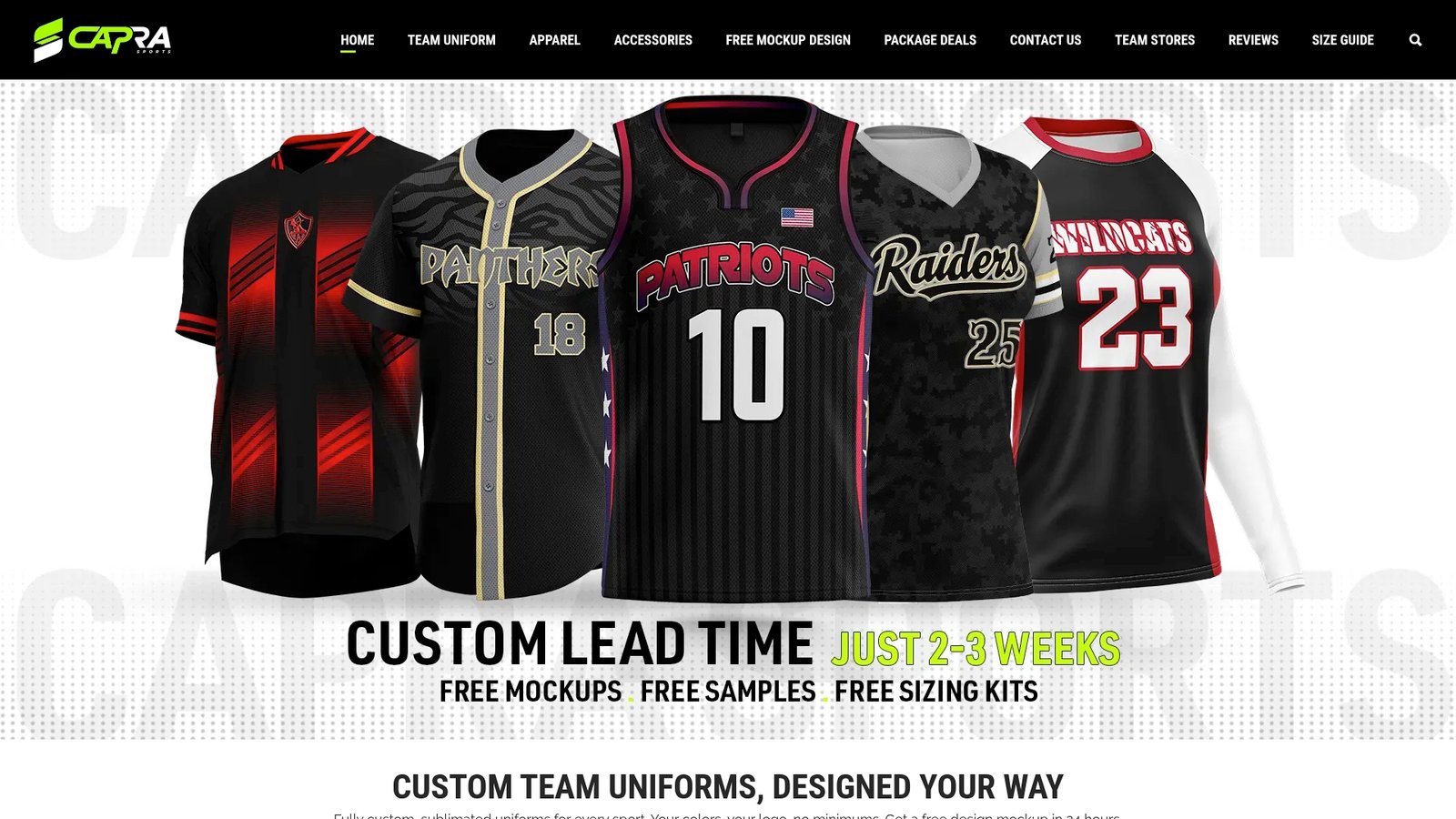
Team orders start at 10 sets, and one sizing sample comes at no extra charge. Request your mockup through our free design request form, or look at current pricing on our pricing page. Per-piece pricing: [PRICE TBD].
FAQ
What is a design mockup approval?
It is the written sign-off in which you confirm that a digital mockup shows the uniform you want produced. After approval, production follows that version. Check names, numbers, colors, placement and quantities first.
How long should a mockup review take?
About ten focused minutes for the review itself, using the four passes above. Gathering roster details and getting your coaches or parents to agree on changes takes longer, so collect those before the mockup arrives. At Capra Sports, the first free mockup comes back in 24 hours.
Can I request changes after seeing the mockup?
Yes. Send one numbered list of changes, and your designer will update the design. We offer unlimited revisions, so you can keep refining until you are satisfied. Label each new version so everyone reviews the right one.
Does the mockup show exact colors and fit?
A mockup shows layout, proportions and approximate colors, but screens vary and a digital image cannot show how a garment fits in motion. Use the sizing sample for fit, and confirm any critical team color with your designer in writing before approval.
Who should give final approval for a team order?
One person with authority, usually the head coach, athletic director or league organizer. Have them review the mockup against the roster and then reply with written approval that names the version.