
In About a Minute Custom Baseball Uniform Online Free Mockup for Teams
Yes: with a template-based builder and your assets ready to go, you can assemble a custom baseball uniform online in about a minute. You’ll need a logo file, your color codes, and a name and number to drop into the design. That one minute covers assembly only. The mockup approval and actual production still take a few days to a few weeks.
TL;DR:
- Preparing high-resolution logo files, careful color specifications, and a complete roster spreadsheet before starting is essential to keep the design process within a minute.
- Layout choices like logo placement, number size, and simplicity directly impact how well the jersey design prints and reads from a distance.
- Fabric type influences durability, feel, and cost, with sublimation offering the best wash resistance and tackle twill providing a premium look.
- After creating a quick mockup, a designer review helps identify issues like small text or misaligned logos before full production begins.
- Using low minimum order quantities and requesting free mockups from manufacturers like Capra Sports minimizes risks and streamlines team uniform ordering.
Table of Contents
- How to Build a Custom Baseball Uniform Online in About a Minute
- What to Prepare Before You Start
- What Design Rules Actually Work Inside a Builder?
- Fabrics and Printing Methods: What the Builder Doesn’t Always Tell You
- How Do You Place an Order After the Design Is Done?
- Why Capra Sports Pairs a Fast Builder With a Real Designer Review
- Get a Free Mockup From Capra Sports
- Sources
- FAQ
How to Build a Custom Baseball Uniform Online in About a Minute
Most uniform builders are built for speed. Templates lock in the seam and bleed zones ahead of time, so you’re not fighting layout problems while someone on your team is texting you sizes. Here’s the actual sequence that gets you from blank screen to finished mockup fastest.
- Open the builder and pick your template. Choose button-front for a traditional look or pullover if your league favors a more athletic cut.
- Set your colors. Stick to two or three main colors and enter hex or Pantone codes if the tool allows it, so what you see on screen matches what prints.
- Upload your logo. Drop it on the chest placement zone. Most builders snap it into a safe area automatically.
- Add the back number and, if you want, a name field. This is the part that makes it feel like a real uniform instantly.
- Use a roster upload or just a placeholder name for now. A single sample design doesn’t need the full team list yet.
- Save the design and request a digital mockup. This locks in your one minute of work before anyone touches fabric.
Pro Tip: Build your first version with a placeholder name like “SAMPLE 00.” It lets you judge the whole layout without getting distracted by whether your shortstop’s name looks crooked.
The step-by-step approach to sportswear kit design that professional designers use starts the exact same way: template first, everything else after.
What to Prepare Before You Start
The one-minute build only works if your files are actually ready. Scrambling for a logo mid-session is what turns sixty seconds into twenty minutes.
- Logo files: vector formats like AI, EPS, or PDF print cleanest; if you only have a raster image, make sure it’s a high-resolution 300 DPI PNG.
- Color specs: hex codes and Pantone numbers if you have them, kept to two or three main colors for the whole uniform.
- Roster spreadsheet: name, number, size, and position in columns, collected ahead of time so you’re not chasing parents for sizes later.
- Size charts or samples: request one before committing to a full team order, especially if this is your first order with a new supplier.
Beginners who skip the prep step are the ones who end up revising a jersey five times, according to guidance on jersey design from scratch, which points to production-ready artwork as the single biggest time-saver.
What Design Rules Actually Work Inside a Builder?
A builder can only help you as much as your layout choices let it. Keep a clean visual hierarchy: chest logo first, a large back number second, and the player name either above the number or across the shoulders. That order matches how people actually scan a jersey from a distance.
- Keep roughly 2 inches of clear space between the logo, number, and any text so nothing overlaps when the file goes to print.
- Size your numbers for legibility from the stands, not just from your screen.
- Skip tiny decorative details like thin script or small icons. They vanish once they’re printed on fabric or start cracking after a few washes.
- Always check the mockup on the garment-shaped preview, not a flat rectangle. That’s where seam lines and bleed issues actually show up.
Pro Tip: Squint at your design on your phone screen from across the room. If you can’t read the number, neither can the umpire or the scorekeeper.
Number legibility isn’t cosmetic. Rules on jersey design and numbering point out that contrast and size directly affect whether a number reads correctly from the field, and youth and school leagues that follow NFHS guidelines expect numbers to be clearly visible for officiating.
Fabrics and Printing Methods: What the Builder Doesn’t Always Tell You
The builder shows you colors and placement. It doesn’t always explain what happens once that design hits fabric, and that’s where a lot of teams get surprised.
- Sublimation printing works best for all-over color and complex graphics. The ink becomes part of the polyester fiber, so it holds up to repeated washing without cracking or fading.
- Tackle twill or sewn-on numbers give a premium, textured look with strong durability, but they cost more and limit how much fine detail you can include.
- Heat transfer or vinyl is the cheapest option for simple graphics, but it can crack over time and reduces breathability compared to sublimated fabric.
Fabric choice affects more than looks. A heavier tackle-twill jersey feels different on a hot July afternoon than a lightweight sublimated one, so it’s worth requesting a swatch or sample before you commit an entire roster to one fabric, a step design guides consistently recommend for full team orders.
How Do You Place an Order After the Design Is Done?
Once your mockup looks right, the process shifts from design to logistics.
- Upload your roster as a CSV instead of typing each player in manually. This cuts down on typos in names and numbers, which are the hardest mistakes to catch after production starts.
- Review the digital proof carefully. It should show colors, exact placement, and every name and number matched to the right size. Approve it only when it matches what you actually want on the field.
- Ask about turnaround time. Standard production usually runs longer than rush orders, and rush service typically costs more.
- Compare per-piece pricing against package deals. Package pricing tends to make more sense for full teams, while per-piece pricing suits smaller add-on orders. A low minimum order quantity matters here too, since it lets a short-handed roster order without overpaying for extra jerseys nobody needs.
Why Capra Sports Pairs a Fast Builder With a Real Designer Review
A one-minute build is a great starting point, not a finished product. That’s the honest gap most builder tools don’t mention: speed gets you a concept fast, but it doesn’t catch a number that’s too small to read from third base or a logo that’s slightly off-center once it hits the actual seam line.
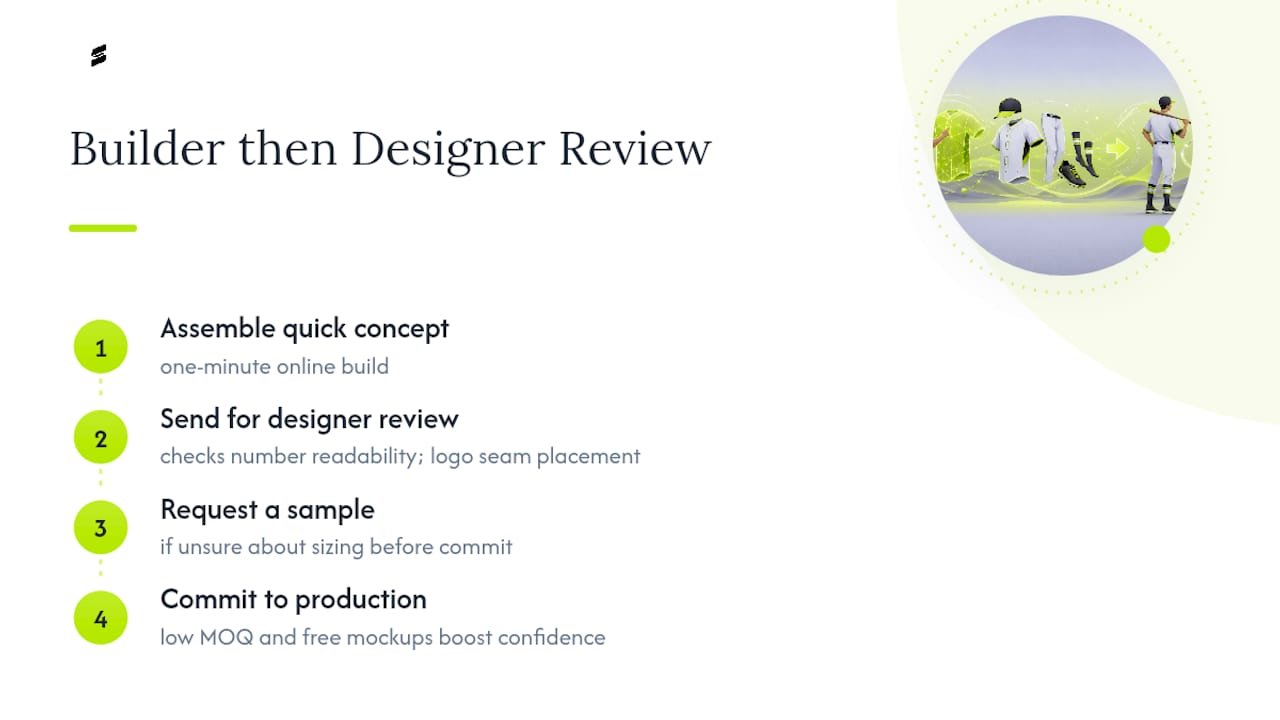
The quick build is just step one, not the whole job. After assembling a concept, a designer review helps catch issues before production. Low minimum order quantities and free mockups can help teams order more confidently. The practical workflow looks like this: assemble a quick concept in the builder, send it for a designer review, then request a sample if you’re unsure about sizing before committing to the full roster.
That extra step costs you almost nothing in time and saves you from a full run of jerseys with the wrong number placement.
— Agha
Get a Free Mockup From Capra Sports
A fast builder experience combined with designer collaboration, low minimums, and factory-direct pricing can help protect your order.
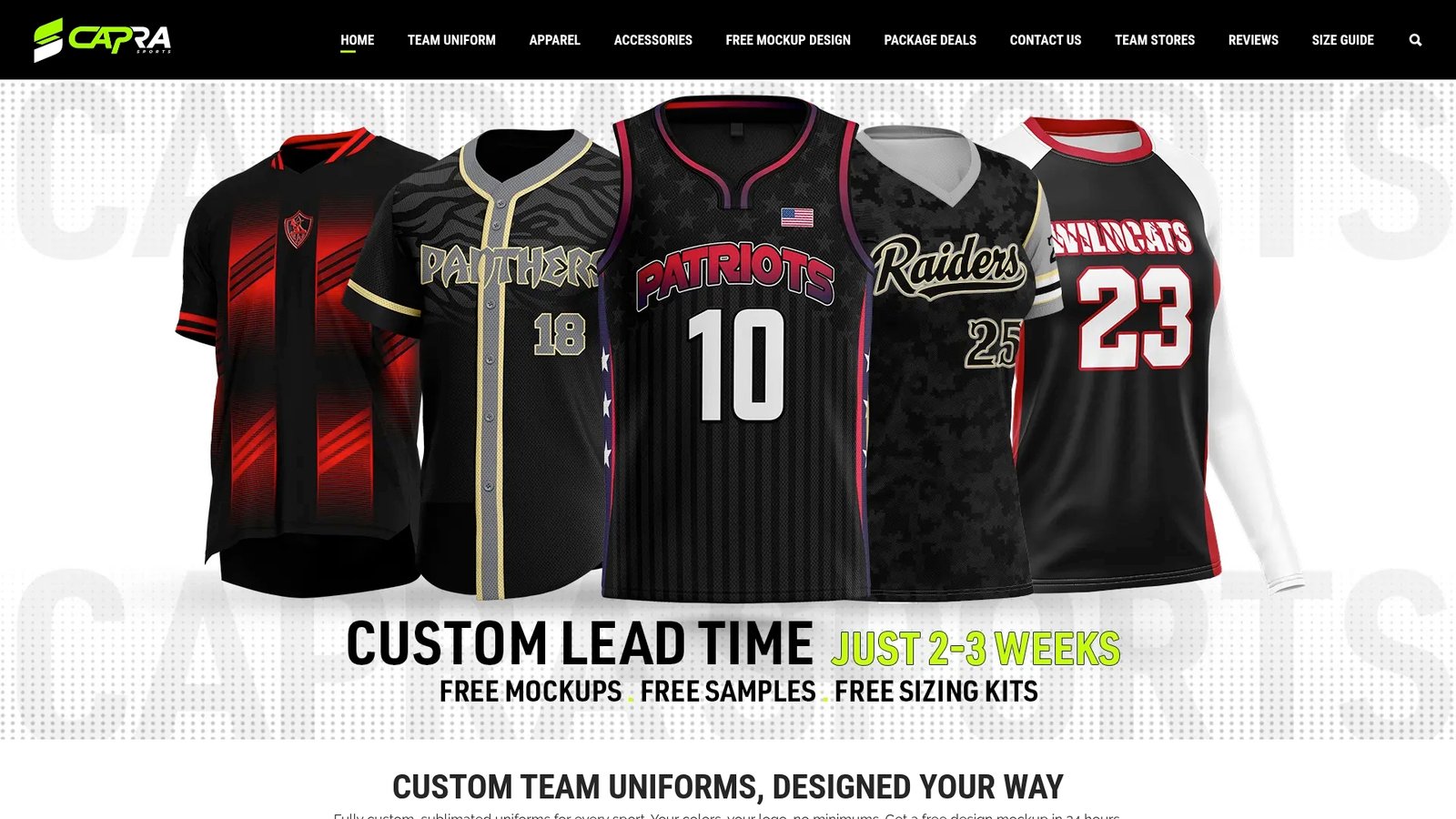
Once you’ve assembled a quick concept using the steps above, the next move is requesting a free custom mockup directly from Capra Sports. Include your logo file, color preferences, and a rough idea of your roster size, and a designer will turn your concept into a production-ready proof. Browse baseball-specific templates and examples first if you want inspiration before you start. After you approve the mockup, the next steps are simple: finalize your roster upload, confirm every player’s size, and choose standard or rush production depending on your season timeline.
Sources
For deeper design guidance beyond the quick-build basics, the step-by-step sportswear kit design guide covers template selection and mockup review in more detail. Beginners will also find value in a complete jersey design walkthrough that covers file prep and roster management. For legibility and numbering specifics, the jersey design and numbering guide breaks down contrast and sizing rules worth checking before you approve any proof.
- How to Design Custom Sportswear Kits: Step-by-Step Guide – Vectors Arena
- How to Design a Custom Jersey from Scratch: Complete Beginner’s Guide | RareCustom Blog
- Sports Jersey Design: Kits and Numbers – Made Good Designs
- Create Your Custom Jersey: A Comprehensive Design Guide – Kawasaki Sports
FAQ
Can I create custom baseball uniforms online?
Yes. Online builders let you choose a template, set colors, add a logo, and enter names and numbers, producing a shareable design in about a minute.
Can I design my own uniform online for free?
Most builders let you assemble and preview a design at no cost, and Capra Sports offers a free digital mockup before you commit to any purchase.
Is there an app that can design jerseys?
Yes, some manufacturers offer mobile builder apps, such as Wooter on the App Store and its Android version on Google Play, which let you build a concept from your phone.
How can I create my own uniform?
Pick the correct sport template, upload a logo, set your team colors, add a name and number, and request a digital proof before approving production. Preparing your files and roster in advance is what actually makes the process take a minute instead of an hour.