
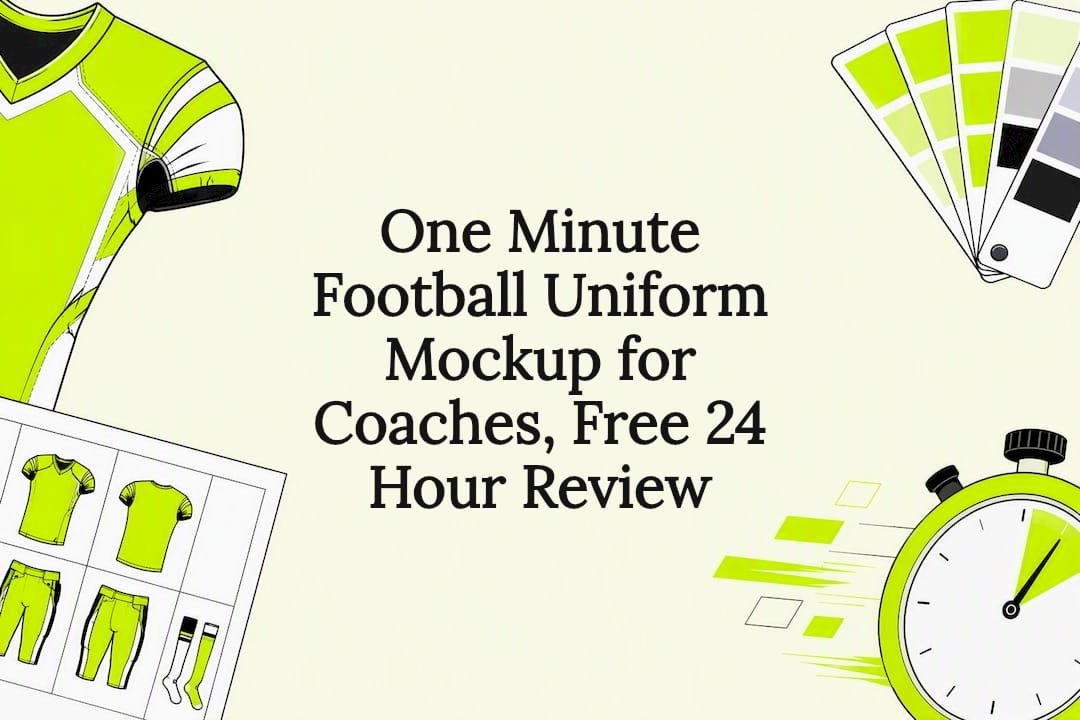
One Minute Football Uniform Mockup for Coaches, Free 24 Hour Review
You can build a visual mockup of a custom football uniform online in about a minute: pick a template, set your colors, drop in a name and number, and preview it. That one-minute number covers the design step only. Once you like what you see, Capra Sports turns it into a production-ready design with a free 24-hour professional mockup, so the fast part and the finished-uniform part are two separate, connected steps.
TL;DR:
- Proper preparation of team name, color codes, and logo files before starting the mockup process reduces overall design time and avoids delays.
- Using preset templates and swatches for colors and font settings ensures faster creation of a visually accurate mockup in under a minute.
- High-contrast contrast between numbers and jerseys and checking logo placement and size are crucial steps before approving the final design for production.
- A professional review of print-ready files is recommended when ordering for larger teams to prevent issues with print quality and logo cropping.
- Capra Sports offers quick online mockups, followed by custom design support, free samples, and direct factory pricing to streamline the transition from concept to actual uniforms.
Table of Contents
- Building a Custom Football Uniform Online: the 60-second workflow
- Prep your assets before you start the clock
- Is your one-minute mockup actually good enough to send?
- Why Capra Sports is the practical next step after your mockup
- Running a fast design session without the group chat chaos
- From mockup to jersey: Capra Sports makes the next step easy
- Where to go next for design guidance
- Sources
- FAQ
Building a Custom Football Uniform Online: the 60-second workflow
The one-minute promise only works if you follow a tight sequence. Skip steps, and you’ll either burn ten extra minutes fiddling with settings or end up with a mockup that looks nothing like what you actually want. Here’s the order that gets you a clean preview fast, whether you’re using a dedicated football jersey maker or a general online football uniform maker with templates and presets.
- Pick a template or preset first. Start with a home/away split or a style preset that already resembles the cut and layout you want. Template-based tools can generate a usable visual mockup in roughly 30 to 60 seconds once you commit to a base style, so don’t waste time browsing every option.
- Set primary and secondary colors. Use the prebuilt swatches instead of a custom color picker. Swatches snap to preset combinations that already look right together, and a custom hex entry is the single biggest time sink in most builders.
- Type the team name and player number. Most builders let you set font and placement for the number with one click, using presets rather than manual adjustment. That kind of one-click number and font selection is a standard feature across online kit generators, and it’s the fastest way to make the mockup feel personalized.
- Upload a logo, or skip it. If you already have a small logo file saved, drop it in. If not, skip this step entirely and add it later. Chasing down a logo file mid-session is the number one reason a “one-minute” build turns into five minutes.
- Export the mockup or request a free professional review. Save the image for your group chat or team email, or click through to request a free 24-hour mockup from a real designer if you’re planning to actually order the kit.
That’s the full loop. Most custom football uniform builder tools follow this same rough shape: template, color, name and number, logo, export. The tools differ in polish, but the sequence doesn’t change much, and once you’ve done it once, round two takes even less time.
Prep your assets before you start the clock
The one-minute build only stays fast if you walk in with a handful of things ready. Scrambling for a hex code or a logo file mid-session is what turns a quick mockup into a ten-minute detour.
Before you open any custom football uniform designer tool, have these four things ready:
- Team name text, spelled exactly how you want it to appear (abbreviations included).
- A number style preference, even a rough one like “block numbers” or “outlined.”
- One or two color hex codes, or at least a clear mental picture of your school or league colors.
- A small logo file, saved somewhere you can grab it in two clicks, if you’re using one.
Once you’ve built a mockup you like, save it as a preset or account default if the tool supports it. That way your next session, whether it’s a different jersey style or next season’s redesign, starts from your team’s baseline instead of a blank template.
Skip anything that isn’t essential to the one-minute run. Detailed pattern edits, alternate away kits, or a complex multi-layer logo all belong in a second, slower session with a professional designer, not your first quick pass.
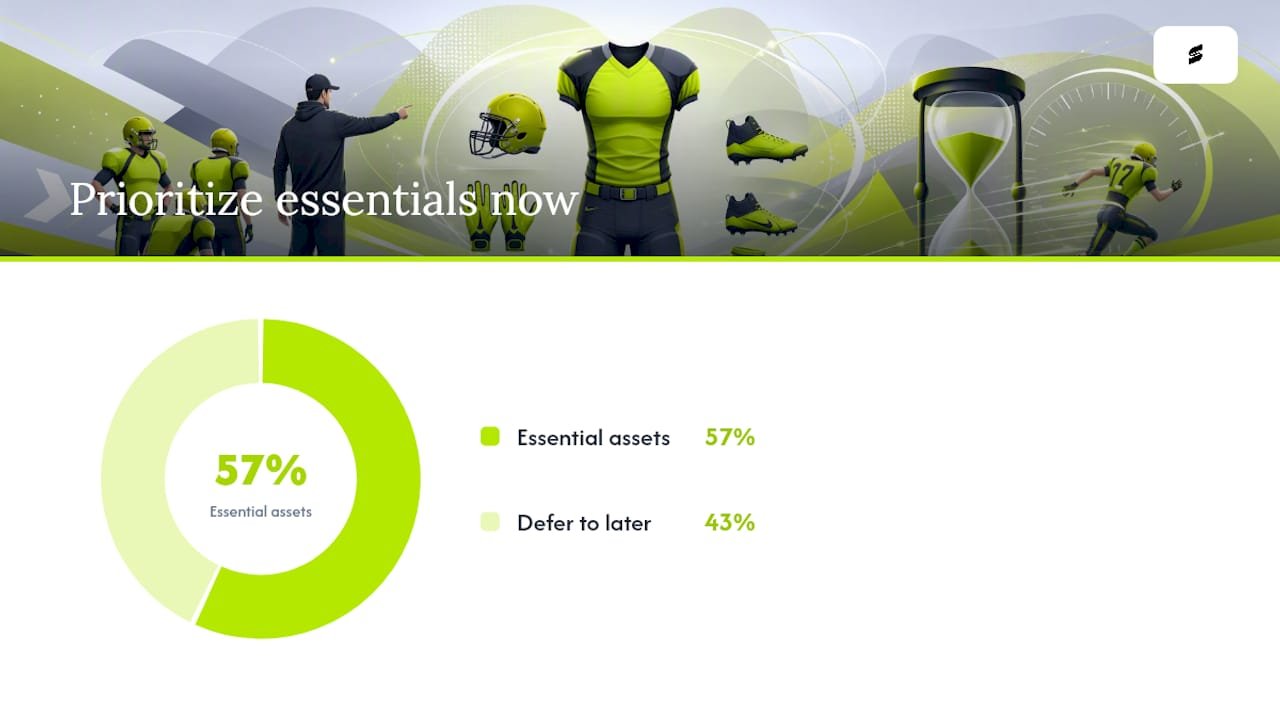
Pro Tip: Build your first mockup on a desktop if you can. It’s not dramatically faster, but a bigger screen makes color swatches and number placement easier to judge at a glance. A modern phone browser works fine too, as long as your logo file is already uploaded somewhere you can access it.
Is your one-minute mockup actually good enough to send?
A fast mockup and a production-ready one aren’t the same thing, and mixing them up is where most quick builds go wrong. Before you forward anything to a coach, a parent group, or a printer, run through a couple of checks that take seconds but save real headaches.
- Check contrast on the name and number. White numbers on a pale yellow jersey look fine on your monitor and unreadable from the sideline. Stick to high-contrast pairings, dark on light or light on dark, so the number reads clearly from a distance.
- Look at logo size and placement. A logo that looks crisp in a thumbnail can turn blurry or get cropped once it’s actually printed, especially near seams or edges where bleed area matters.
- Know what file you’re actually holding. A quick builder export is usually a PNG or JPG preview image, good for sharing and approvals, not a print-ready file. Production art needs vector or high-resolution source files with the correct color profile, which is a different deliverable entirely.
If you’re ordering for a full roster rather than just showing teammates a concept, don’t skip the professional review step. A fast preview is great for getting buy-in from a group chat, but full-team production really does call for a second set of eyes on the actual print files before anyone commits to an order.
Why Capra Sports is the practical next step after your mockup
A one-minute mockup gets everyone on the same page fast. Turning that mockup into uniforms your team can actually wear is a different job, and it’s the one Capra Sports specializes in.
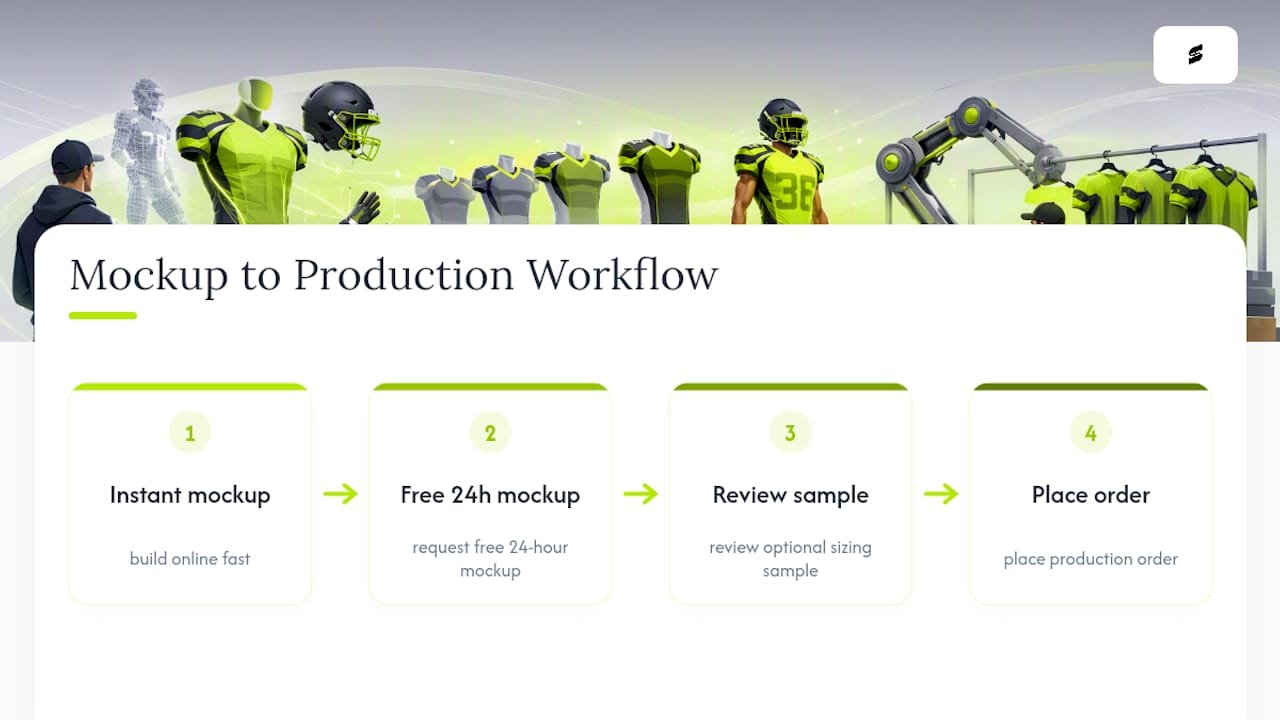
Capra Sports pairs quick online design with real production support: low minimum order quantities, direct collaboration with professional designers, free samples for sizing, and factory-direct pricing with no markup layers in between. The workflow runs in a clear line: you build an instant mockup, request a free 24-hour professional mockup, review a sample if you want one, then place your production order.
A visual mockup is built for fast approvals and social sharing. Getting it into a locker room means a designer converts that approved concept into print-ready art before manufacturing starts.
That handoff, from casual preview to production file, is exactly where a lot of teams get stuck when they try to go straight from a free online generator to an order. Capra Sports’ design team exists to close that gap, and the coach’s guide to uniform design walks through the full process for anyone who wants more detail before committing.
Running a fast design session without the group chat chaos
Decide who signs off on colors and numbers before you start the mockup, not after three people weigh in with conflicting opinions. One head coach, one team parent, one captain: that’s plenty.
Once you’ve got a mockup, use it as the anchor for a five to ten minute review, not a blank discussion. Share the image, ask for one round of feedback, and lock the decision. A visible mockup shuts down most “what if we tried” tangents because everyone’s reacting to something concrete instead of an idea in their head.
That same mockup does double duty with parents, league administrators, and sponsors. It’s a lot easier to get a yes on colors or a logo placement when people can see it, rather than picture it from a description over email.
— Agha
From mockup to jersey: Capra Sports makes the next step easy
Your one-minute mockup is the fast, visual part. Getting an actual jersey in your hands, sized right and printed to last a season, is where Capra Sports takes over, and it’s a lot less work on your end than chasing quotes from a generic supplier.
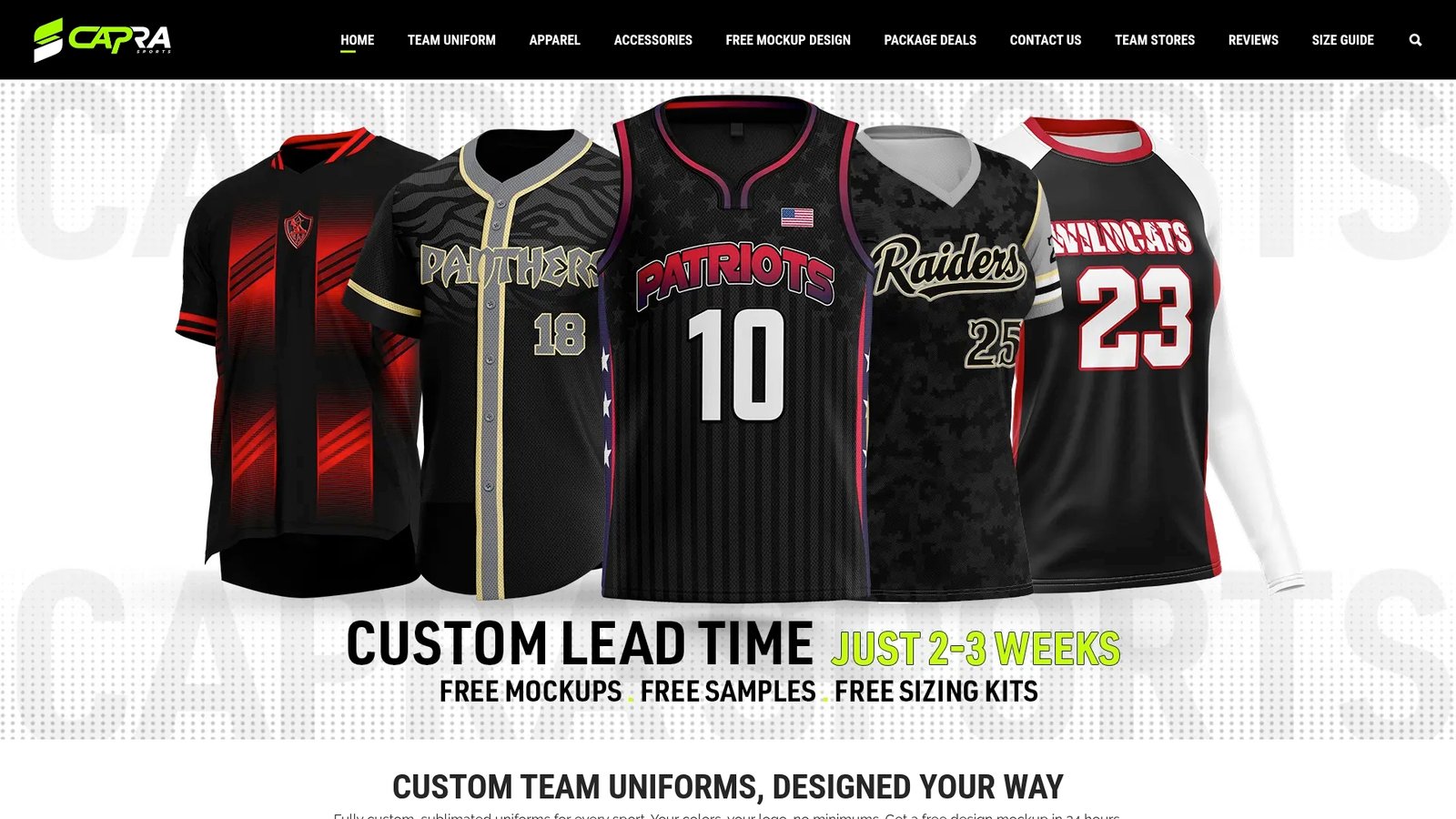
Once you’ve settled on colors, name, and number in your quick build, request the free 24-hour professional mockup and a designer will turn your rough concept into production-ready art, flagging anything that won’t print well before you commit. From there it’s a short path: approve the design, order a free sample to confirm sizing, then place your team’s order at factory-direct pricing with no minimum order quantity holding you back. If football is your sport, head straight to the custom football uniforms page to see fabric options and turnaround details, or start your own design now at Capra Sports and have a designer reviewing it within a day.
Where to go next for design guidance
A few Capra Sports pages fill in the gaps this guide couldn’t cover in a minute. The coach’s step-by-step design guide walks through color and number decisions in more depth. How custom uniforms are made breaks down what happens between your approved mockup and the finished jersey landing on your porch. And the football uniforms product page covers materials, fit, and ordering specifics once you’re ready to move past mockups entirely.
Sources
- Design Jersey AI — Custom Football & Soccer Kit Generator | Free AI Jersey Maker
- FootballShirtMaker — Create soccer jerseys with your name and number
FAQ
Can I design my own football uniform for free?
Yes. Most online football uniform builders let you build and preview a visual mockup at no cost, and Capra Sports’ free 24-hour professional mockup carries no charge either.
Is there an app that can design football jerseys?
Several web-based tools function like apps for this, letting you upload a logo and adjust colors, fonts, and numbers directly in the browser without installing anything.
How can I create my own football uniform online?
Pick a template, set your team colors from preset swatches, add your team name and number, and export the mockup. That sequence minimizes the time it takes for a build compared to a slower process.
Are free jersey mockup tools the same as production-ready designs?
No. Some free fan-facing jersey makers generate images purely for concept sharing and explicitly don’t sell physical garments, so a professional review is still necessary before ordering real uniforms.
What happens after I approve my mockup with Capra Sports?
A designer converts your approved concept into print-ready files, you can request a free sample to check sizing, and then your order moves into production at factory-direct pricing.